Tablets and e-readers: how to match the device to the habit
By Today Offers Journal · Nov 13, 2026 · 5 min read
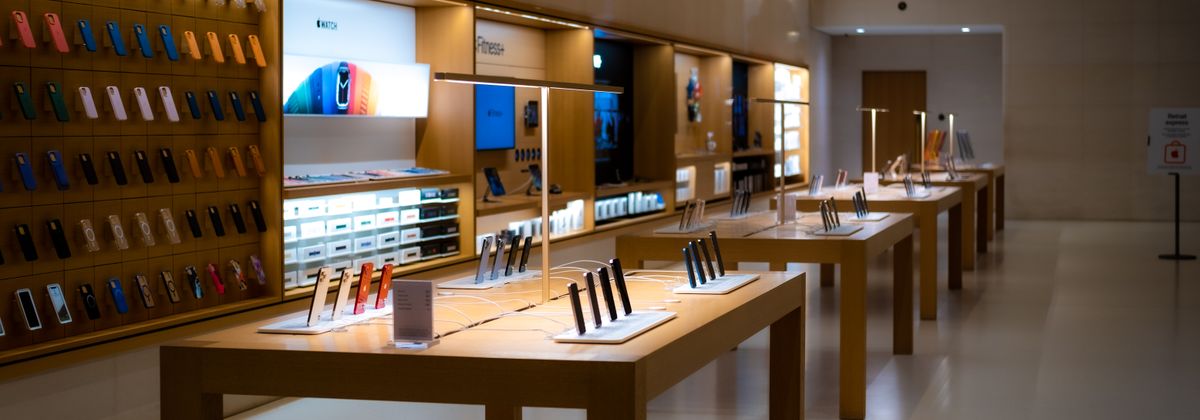
Tablets and e-readers overlap, but they suit different habits. Learn how to choose by the way you read, watch, draw or work, and which features and accessories add to the price.
A tablet can do almost everything, and that is exactly why people end up buying the wrong one. A device that seemed perfect in the shop sits in a drawer because it is heavy for reading in bed, too small for drawing or too expensive to hand to a child. Starting with the habit you want to support leads to a better purchase and usually a lower price.
Name the main job
Write down the single most important thing you want the device to do, then a second and third if needed. Typical jobs include these.
- Reading books. Long text, often for hours, sometimes outdoors or in bed.
- Watching video and browsing. Streaming, social media, video calls and web pages.
- Drawing and note-taking. A pen, a good screen and responsive software.
- Working on the move. Documents, email and a keyboard.
- Children's use. Games, learning apps and video, with parental controls and toughness.
- Cooking, music or hobbies, where a device stands in a kitchen or on a desk.
E-readers and tablets compared
E-readers
- Screens that look like paper, easy to read in bright light and not tiring for many people.
- Battery life that is measured in weeks, not hours.
- Light and compact.
- Limited functions beyond reading, often a small selection of apps.
- Often cheaper than a tablet.
Tablets
- Colour screens suited to video, apps and web.
- Many uses, including reading, though reading in bright light can be harder.
- Battery life measured in hours or a day.
- Heavier and more expensive.
- Accessories such as cases, keyboards and pens add to the price.
If you mostly read books, an e-reader may be the better and cheaper tool. If you want one device for many tasks, a tablet may suit you better. Some people own both.
Key features to compare
Screen
For tablets, look at size, brightness and whether it reflects light. Bigger screens suit drawing and documents, and smaller ones are easier to carry. For e-readers, check the screen resolution and whether it has a built-in light for night reading.
Storage
Books take little space, so e-readers need little. Tablets used for video, games and photos need more. Compare the price of the larger tier with a memory card if the device supports one, or with cloud storage. Our guide to storage and memory explains the options.
Battery and charging
Check the stated battery life, then look for reviews that measure it. A tablet that needs charging every day is a different tool from an e-reader that lasts weeks.
Software and updates
Check how long the maker supports the device with updates, and how the app store works. A tablet without updates becomes a risk and loses features over time.
Pen and keyboard
If you plan to draw or type, confirm that the accessory works with the exact model. Some pens only work with certain tablets. Add the cost of these items to the budget.
Connectivity
A model with mobile data costs more and needs a data plan. If you always have wifi or can share your phone's connection, you may not need it.
The ecosystem and library
Where will your books, apps and files come from? Some e-readers work best with one store, and some allow other formats and library lending. If you already have a collection of books, check that the device can read them. For tablets, check that the apps you rely on are available.
Buying for children
Look for strong cases, parental controls and a model with a repair option. A less expensive tablet with a rugged case can be a sensible choice for young children, because damage is likely. Set time limits and spending controls, and keep the device in shared spaces. Think about whether an older model or a refurbished one would do, and check local offers for family bundles.
Total cost
As with any device, list the extras.
- A case or cover.
- A screen protector.
- A pen or keyboard.
- A charger, if not included.
- Subscriptions for books, apps or storage.
- A protection plan, if you want one.
Compare the total, not the device alone. An inexpensive tablet with every accessory added can cost as much as a better model that includes more.
Try before you buy
If you can, hold the device in a shop. Check the weight, the screen and the feel of the pen or keyboard. Read independent reviews, and look at the return policy so that you can test it at home. Reading for an hour, drawing for half an hour or watching a film reveals more than a short demonstration.
A worked comparison
Imagine two options for someone who reads about an hour a day and watches the occasional video. A basic e-reader at $120 handles the reading, and a phone handles the video. A mid-range tablet at $350, plus a $40 case, handles both. The e-reader setup costs $230 less. If the person does not need a larger screen for video or other tasks, the cheaper path may be better, and the difference could cover a year of books. If they also want to draw, do email and share the device with family, the tablet becomes better value. The figures are examples, but the habit of listing the tasks and pricing each route is useful.
Timing
Tablets and e-readers are often discounted around launches and major sales events, and older models usually fall in price. Check the flyers and set a price alert for the model you want, then buy when it meets your target.
Frequently asked questions
Should I buy a tablet or an e-reader for reading books?
If reading is the main job, an e-reader is often cheaper, lighter and easier on the eyes, with a long battery life. A tablet is better if you want many uses.
How much storage does a tablet need?
It depends on use. Books need little, while video, games and photos need more. Compare the cost of a larger tier against a memory card or cloud storage.
Do I need a tablet with mobile data?
Only if you need internet away from wifi and cannot share your phone's connection. It costs more and needs a data plan.
Ready to put this to use? Browse today's offers Share a deal you found
 When to buy electronics and other big purchases
 When the delivery date slips on a big order: your options and what to record
 When a water heater or furnace fails: how to plan an emergency replacement