Log inSign up
Black Friday tomorrow See the offers

How do I choose my city, province or state?

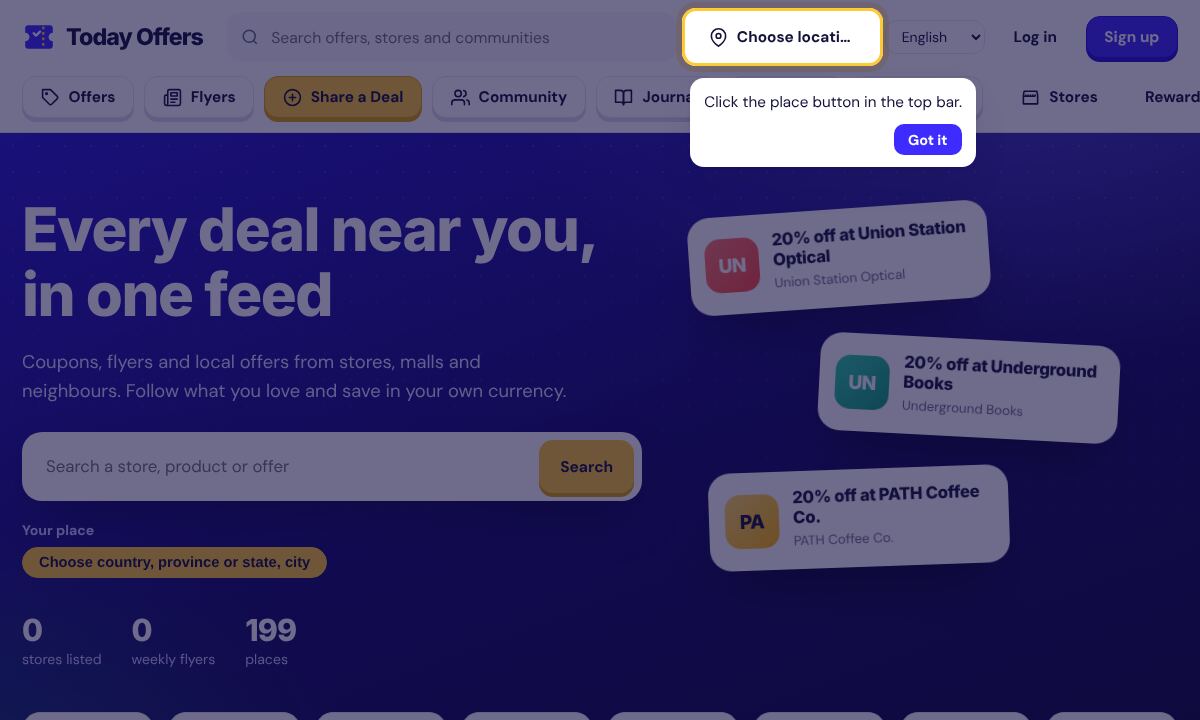
Use the place button at the top of any page. Choose a country first, then a province or state, then a city if you like. You can stop at any level: country, province/state or city. Online offers always show. In-store offers are for the place you pick.

Show me

  1. 1

    Click the place button in the top bar.

    Click the place button in the top bar. Show me on the page
  2. 2

    Choose a country, then a province or state, then a city. You can stop at any level.

  3. 3

    Press Show offers.

More in Account and basics

← Search the Help Center

Where do you shop?

Pick your country to start. Add a province or state and a city if you like. You always see online offers; in-store offers are for the place you choose. If we have nothing for a city yet, we open its province or state.